Uploading photos/images to the School of Weaving Forum
If you are trying to post a photo in a comment under a video, it won't work. You can post a image on the forum!
Here's a quick tutorial with screenshots!
Go to ImgBB website and click on 'start uploading':

Choose your image from your computer and click 'upload':

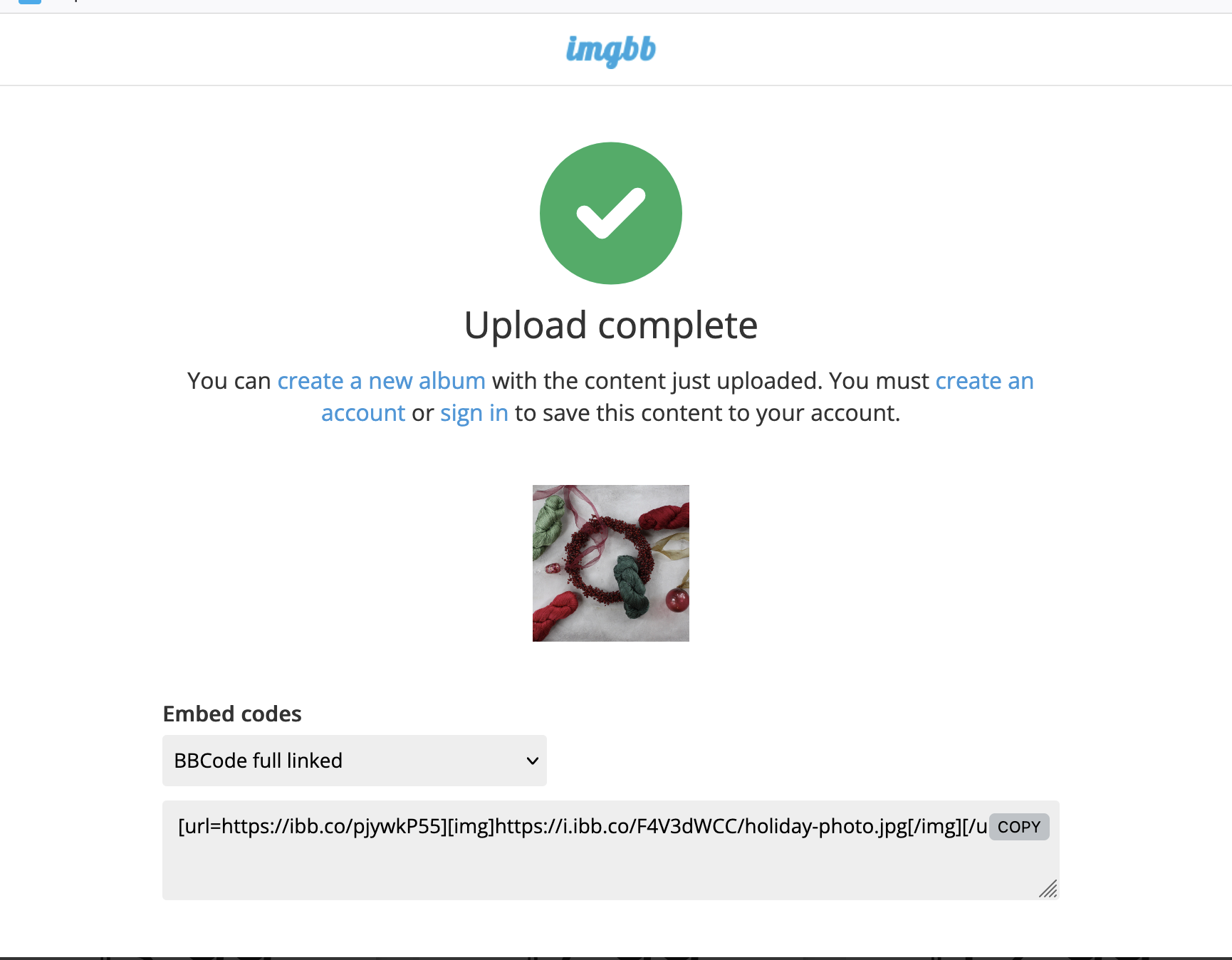
Once your image is uploaded to ImgBB click on Embed codes and choose 'BBCode full linked', copy the code and paste in your comment on the forum. If you have more than one photo, you'll need to repeat the process for each one.